

User Manual
DEVICE LAYOUT
TOP VIEW
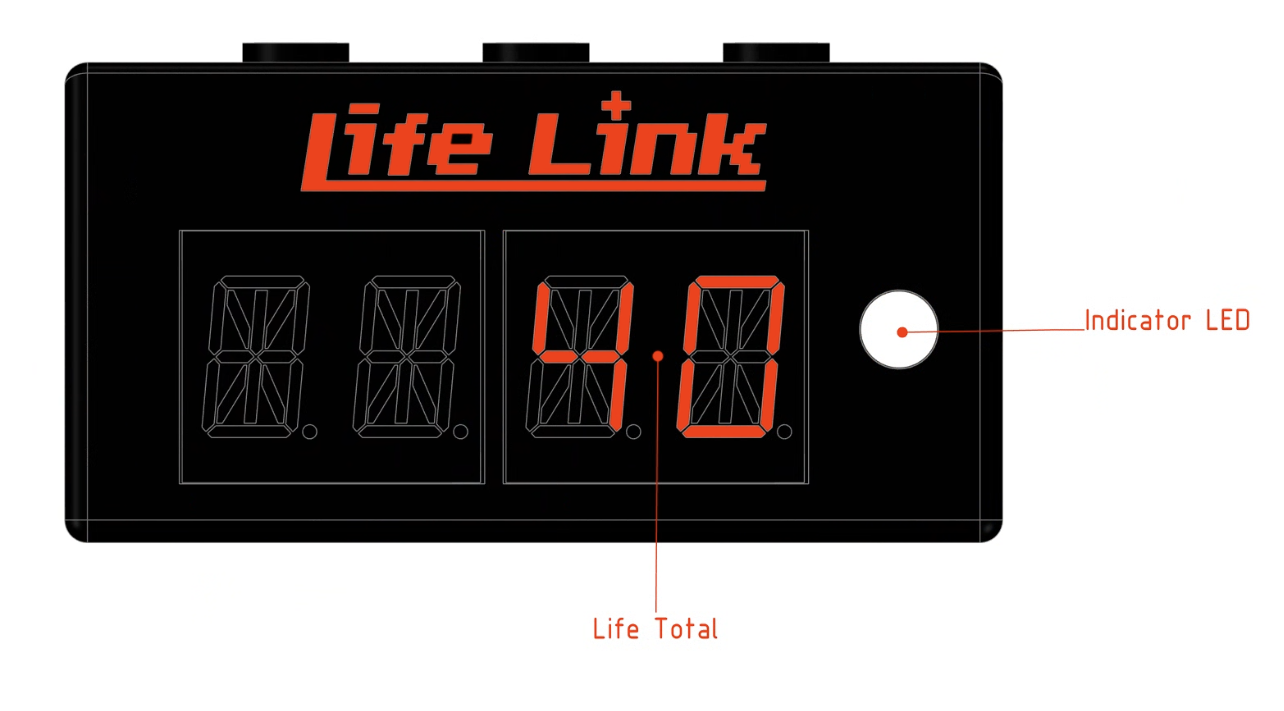
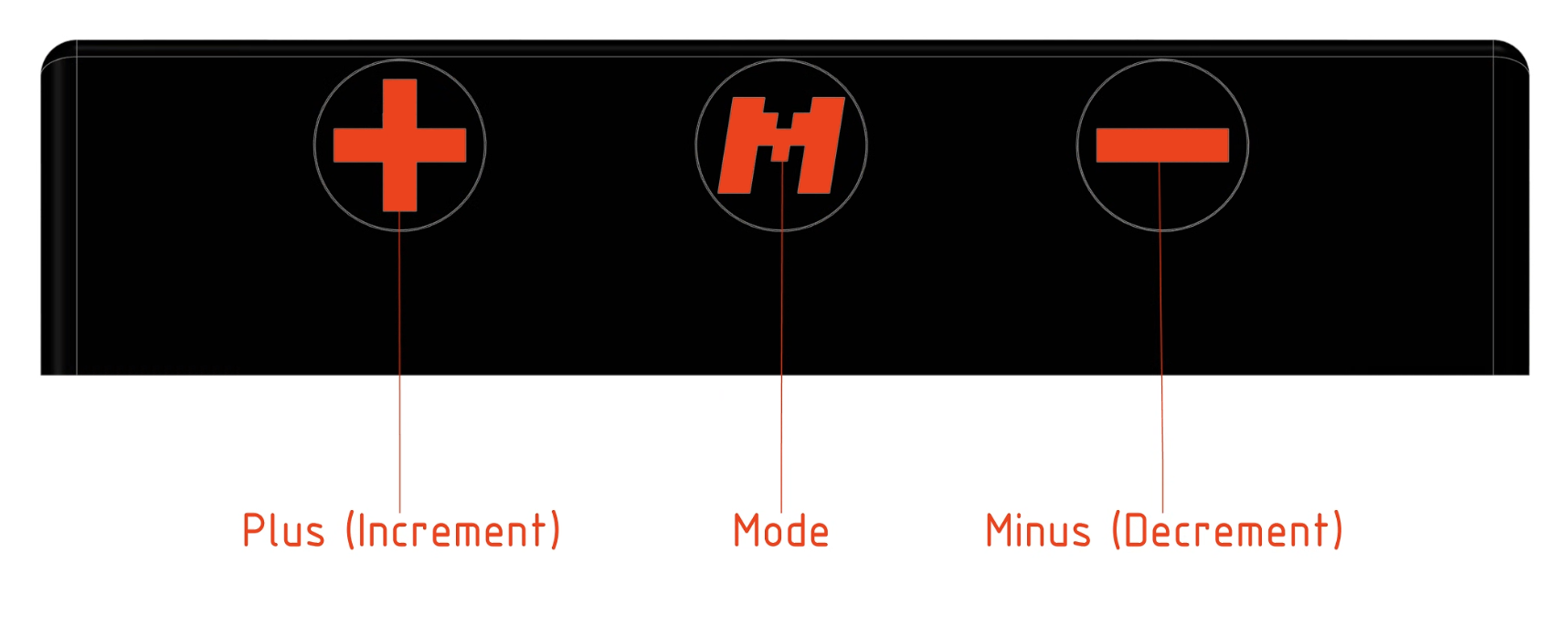
FRONT VIEW
bottom VIEW
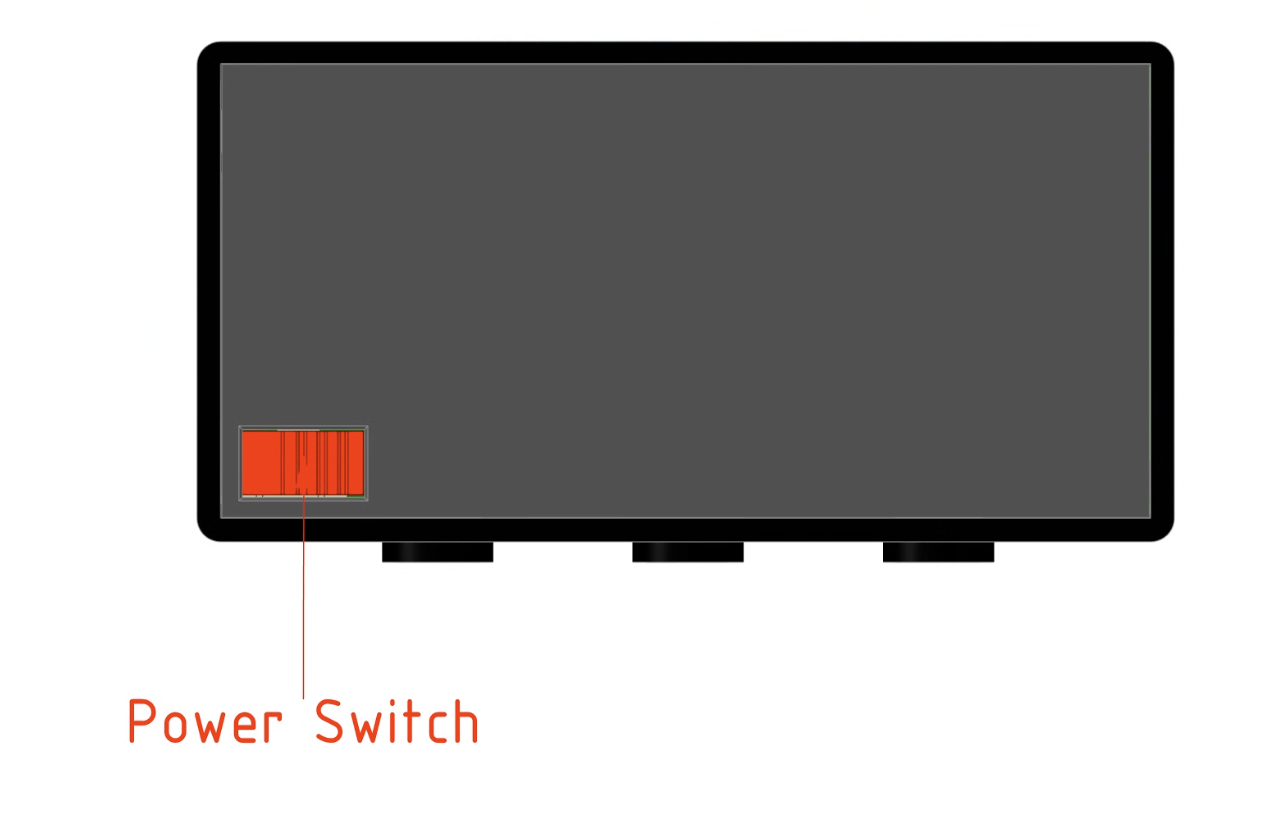
MENU
From any device mode access the menu by holding Mode for 1.5 seconds (Indicator light shows hold progress). Once in the menu:
Use the Plus (+) and Minus (-) buttons to carousel through the available modes.
Press Mode to select the currently displayed option.
Available Modes:
CMDR: Commander Life Tracker
CARD: Card Stat Counter (+1/+1 counters)
STDR: Standard (20) Life Tracker
DICE: Dedicated Dice Roller select
TOUT: Screen Timeout Power Save Toggle (ON / OFF)
Commander (CMDR) and standard (STDR) mode
Available features:
Commander Tax: Simply double tap the housing of your device to display commander tax. Press (+) or (-) to add or remove tax by 2 at a time.
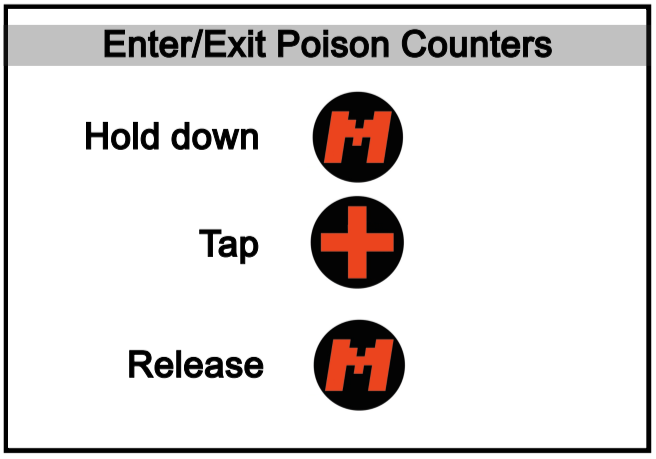
Poison: Simply Hold Mode and immediately press (+) to enter or exit Poison counter tracking.
Dice Roll: Shake the device in an up down motion with the display pointed up to roll a D20.
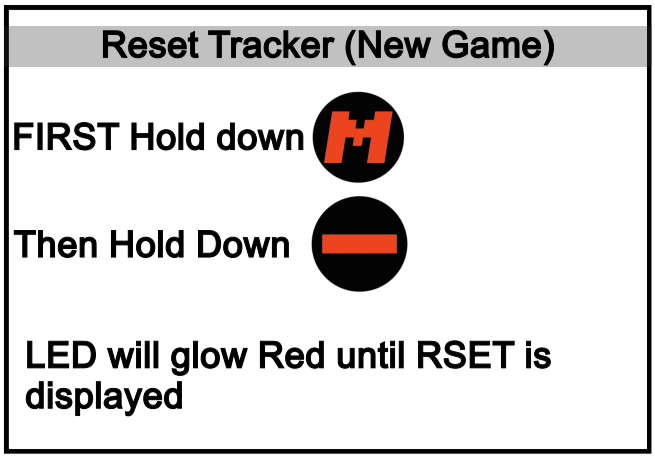
Reset: To reset life and all the counters, Hold (M) then hold (-). The Indicator will start to glow brighter Red. Continue to hold both until “RSET” is displayed showing a reset has occurred.
From within Commander Mode or Standard Mode:
Use the Plus (+) and Minus (-) buttons to add or subtract life (Hold for 10 at a time).
Press Mode to cycle through commander damages.
When done don’t press anything, Life Link will automatically return to your life total after a few seconds.
Cycle to select Commander Damage
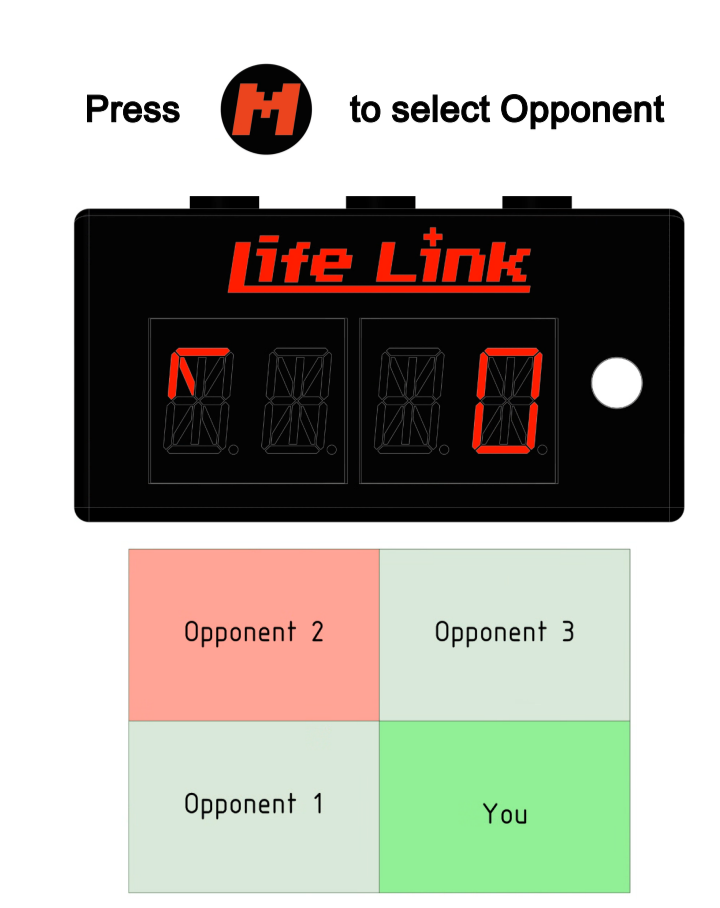
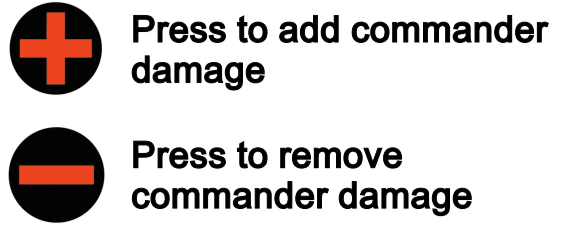
Example shows selecting Opponent 2 to add CMDR DMG
Card Counters Mode (Card)
Card Counter mode allows you to place the Life Link on top of a card to create custom +1/+1 counters such as +1/+5, -1/+1 etc. Entering Card Counter mode does not change the status of any other counters. You can return to Commander to track life at any time.
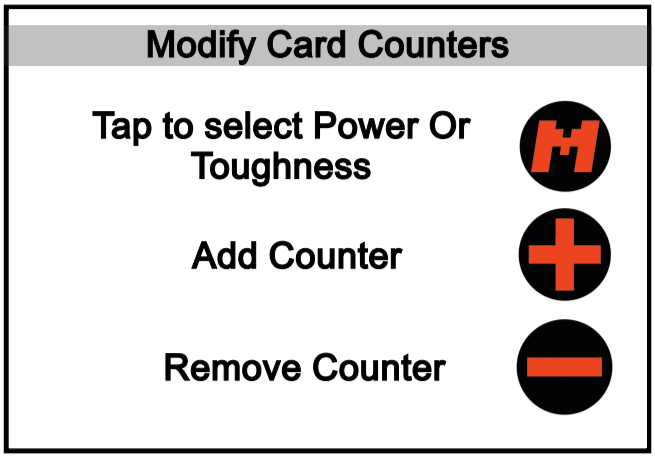
Press Mode to switch between power and toughness indicated by the (.) next to the number
Use the Plus (+) and Minus (-) buttons to add or remove + or - counters from the selected item (Power or toughness)
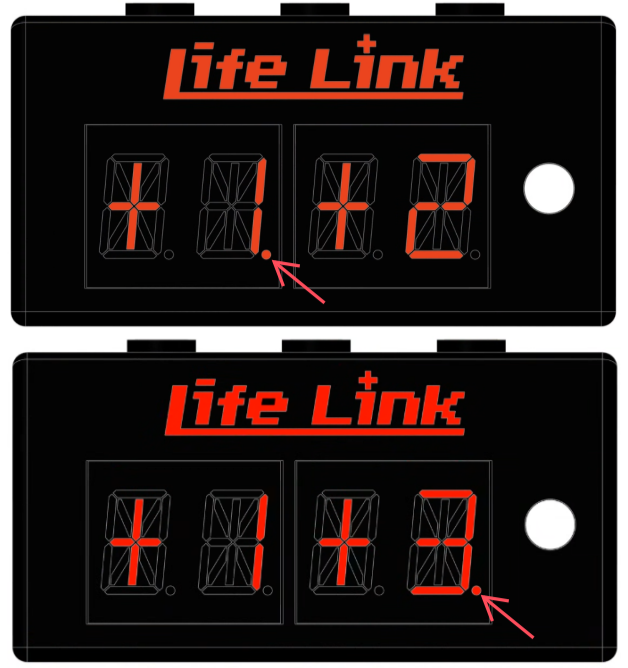
Dot indicates selected counter
Dice mode (dice)
Dice mode allows you to select from a list of commonly used tabletop dice and roll them.
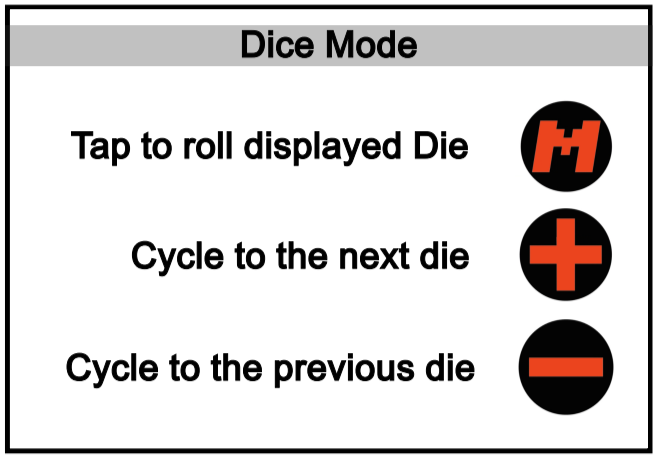
Use the Plus (+) and Minus (-) buttons to carousel through the available dice (D4, D6, D8, D10, D12, D20, D100).
Press Mode to roll the selected dice. Press mode to clear and roll another die.
Power Save (TOUT)
Power save mode allows a display dimming timeout to be enabled. When enabled the device display will automatically dim after a few seconds. To enable select TOUT from the menu then press (+) or (-) to change the value from OFF to ON or vice versa. Simple press mode to return to the menu.
Use the Plus (+) and Minus (-) buttons change the value of TOUT to OFF or ON
Press Mode to return to menu.